Clients
Documents, calls and delivery
Everything that goes to the client and comes back from the client in Scout: questions, returns, laid-out documents, the call copilot in the notch, the agents' proposals and the proof that a point is done.
Questions for the client
To ask gathers the questions for the client: those you propose, those the analysis finds, those the agents propose while working. When the client answers, the answer becomes a decision (in Decided) and the question closes.
The client's return
When the client answers (an email, a Teams chat, some Excel rows, a file), drop it in From the client or paste it. Gloop reads text, Word (.docx), Excel (.xlsx, with the formulas next to the values), PDFs and images.
Claude turns it into a new round of points and tells you which ones contradict a decision taken, which answer an open question and which repeat a point that's already there. The answers to open questions become cards to confirm: the proposed decision, the client's words, and for a partial answer what's missing, with Ask again. Add writes the decisions (and, with the Brain on, the notes).
A Directions for Claude field lets you say how to read the return ("the points on the PDF are already done").
Files to keep in mind
In the client's column, Files to keep in mind: an analysis already sent, a diagram, a contract. Every file has two lines on what it is, and every Scout Claude reads it when needed. As soon as it's added, Claude looks in it for questions for the client and proposes them to you.
Documents for the client
Document writes a document for the client: a proposal (what can be done, in how long, what's needed from the client), test notes (what was done, how to try it), a summary after a call, or a free document. Choose what goes to the client (work done, exclusions, access and test environment, recommended checks…), the language, the signature and what to say or not say.
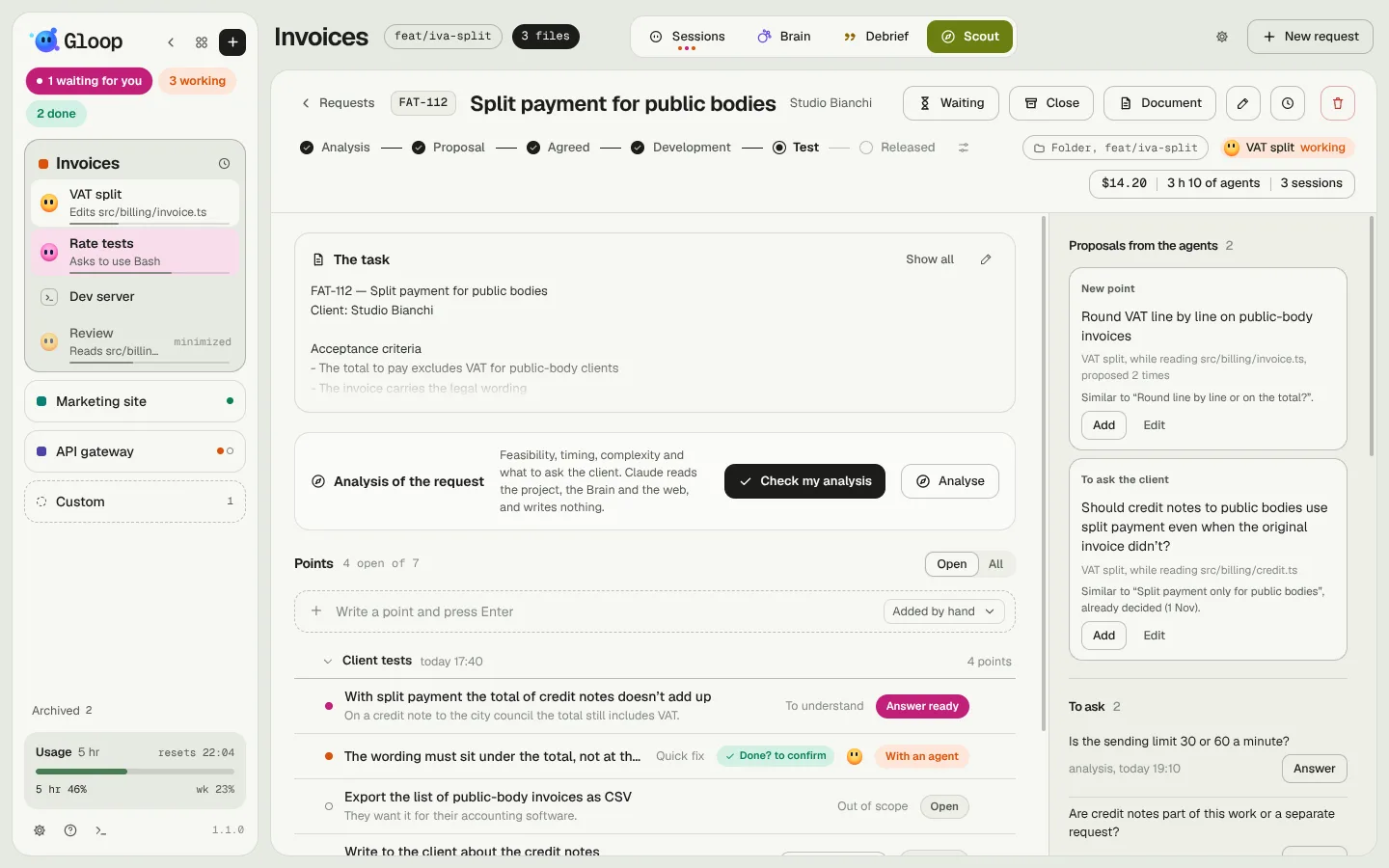
Claude writes it in the background as a laid-out A4 page, with header, signature and date. If the workspace has a graphic reference (see Workspaces and panes), it copies its layout.
- You edit it on the page, as in a word processor, with the formatting bar (styles, bold, lists, alignments, links, tables, page breaks), or in the HTML code. It saves by itself.
- Ask for a change has Claude change the same document; select some text or an image and Change this to change only that piece.
- Images are dragged or pasted: Claude looks at them and puts them where they belong.
- It becomes a PDF in one click. An edited document goes back to "not sent", because the client has the previous one.
The call copilot
During a call with the client, open the notch's command bar and type ask followed by the client's question ("can we have it for private customers too?"). A Claude always reads Brain and code before answering, jumping ahead of the analyses in the queue, and answers you only in the notch:
- the answer to say out loud;
- where it comes from, checked in the code or a guess;
- a new point, if the question opens some work: Add as a point puts it in the request.
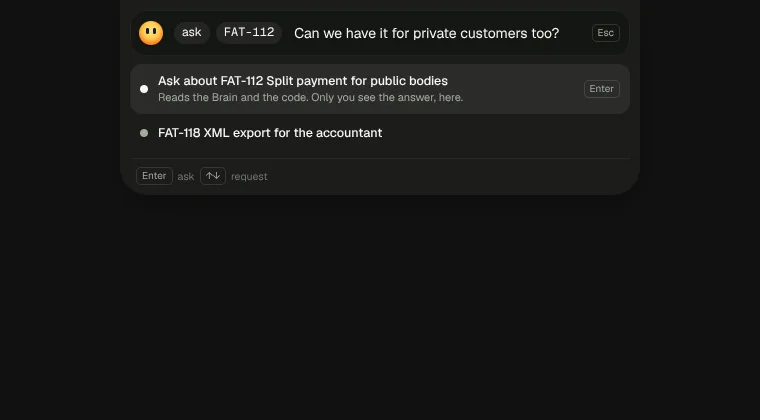
The notch doesn't show in screen shares: only you see the answer. That's why there are no toasts, notifications or marks in the app. With point you add a point to the request without leaving the call.
The agents' proposals
An agent working on points of a request has two more tools: it can propose a question for the client or a new point, with the why and the file it was reading. A proposal doesn't become anything by itself: it arrives in Proposals from the agents, at the top of the client's column, and as a "for Scout" chip in the pane's header. Gloop tells you if it looks like something that's already there, or if it contradicts a decision.
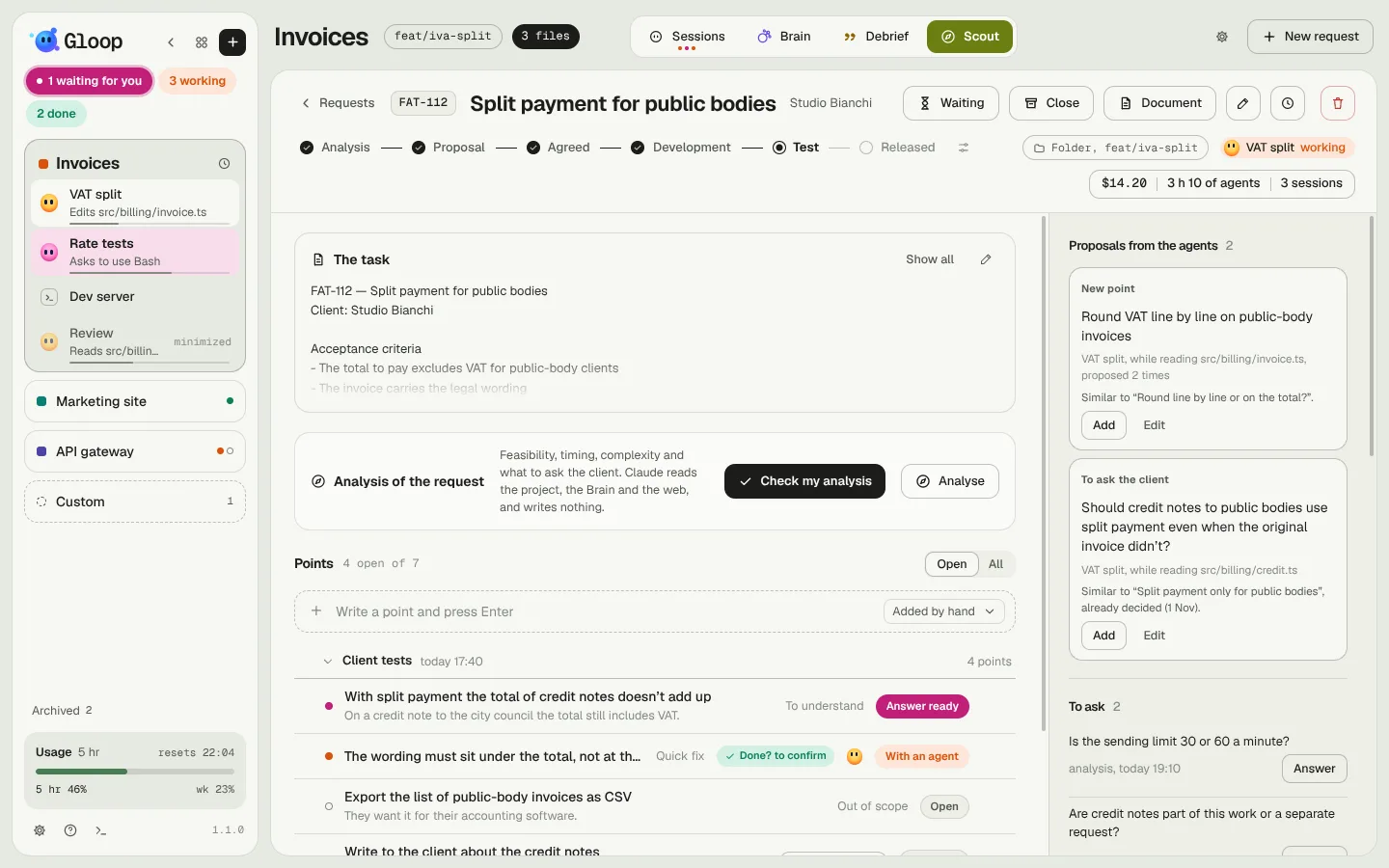
Add puts it in the request, Edit changes it first, Discard throws it away.
Done? The proof
When an agent has worked on some points, Check (in the point's window) has its work read by a Claude that only reads: the commits and the uncommitted work of its branch. For every point it tells you done, not yet or don't know, with the proof: the files, the line and the code that show it.
The proof never closes the point by itself: the row shows "Done? to confirm", and you choose Mark as done or Not yet. The proofs also end up in the test notes for the client.