Clients
Marks
The things you find while working, to fix later, with no client: written by you or by the agents, with files and screenshots, and taken into a request when the time comes.
While working you find things that have nothing to do with what you're doing: a price that doesn't update, a PDF that cuts the descriptions. It's not worth stopping, but you don't want to forget them. They're Marks: the second tab of Scout, next to Requests.
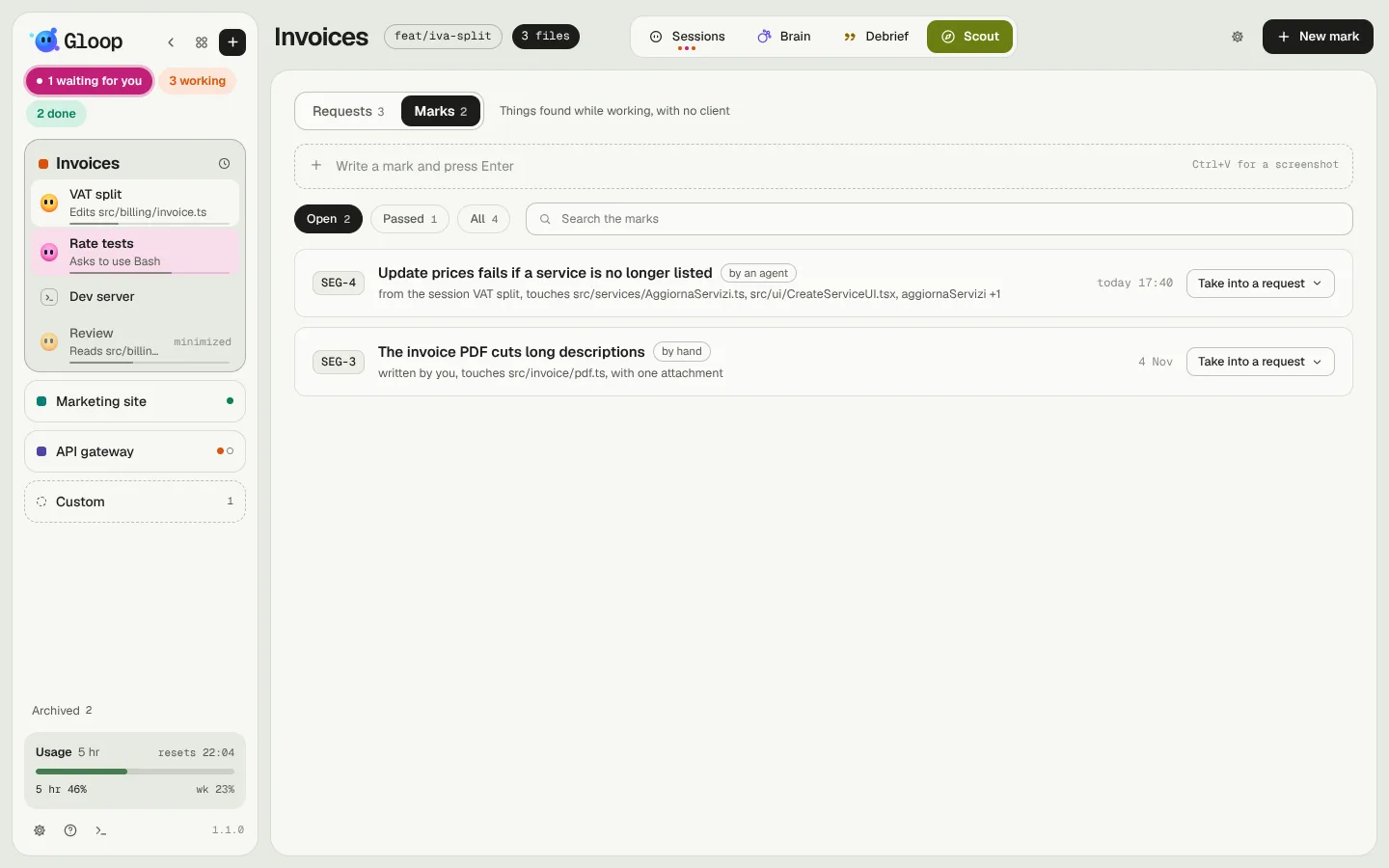
Writing a mark
- By hand: write the title in the "Write a mark and press Enter" row. With Ctrl+V in the row you attach a screenshot. New mark opens the full window.
- From the agents: every agent of a workspace can mark something for later. Just tell it "let's mark this": the mark arrives with its title, the why, the files and functions it touches, and the session it comes from. If the same agent marks something with the same title again, it adds to that one instead of making two.
Every mark has a workspace key, SEG-1, SEG-2… A number is never given out again, not even after a deletion.
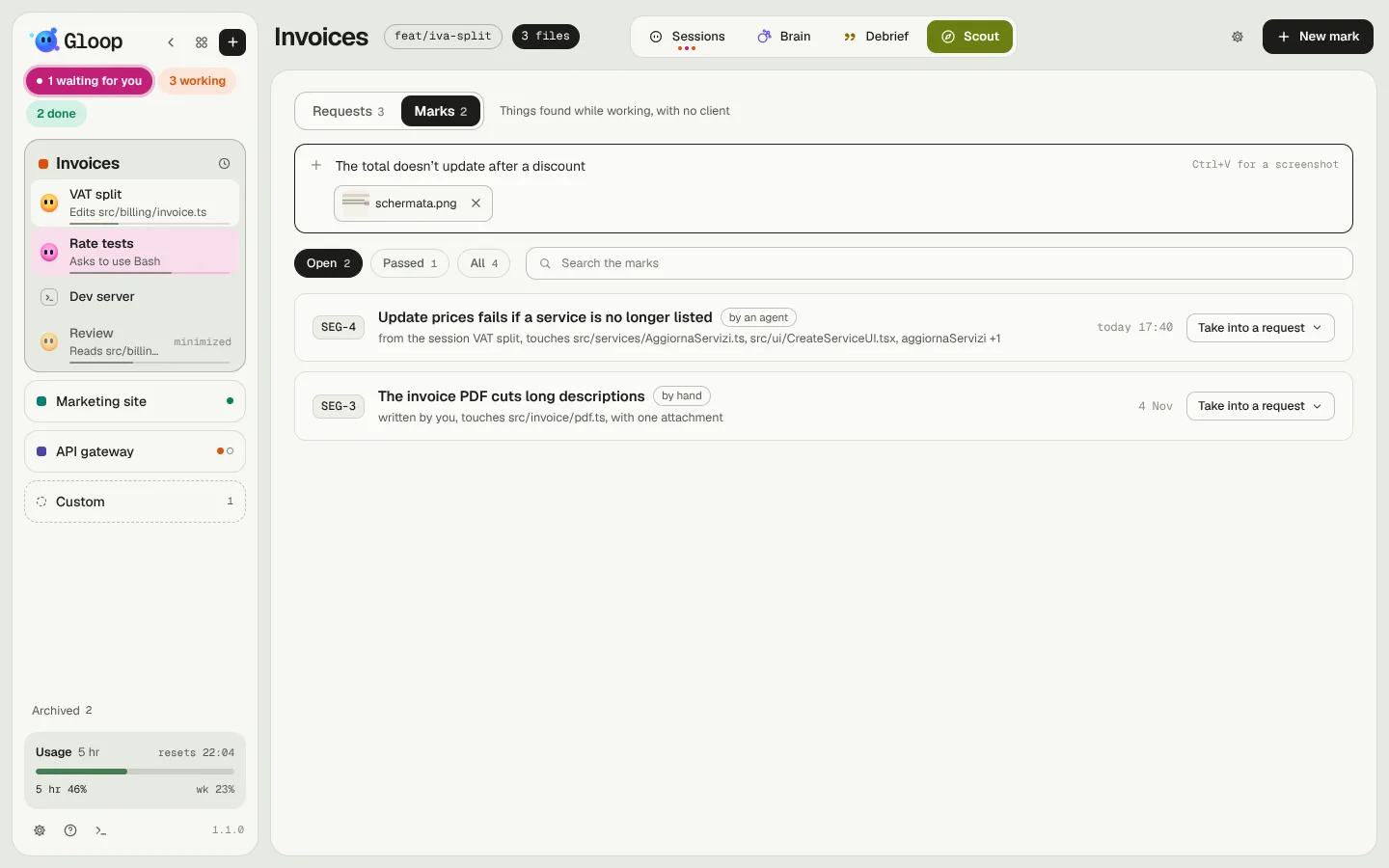
The list
The Open, Passed and All filters, and a search on key, title, why, files, functions and agent. Each row says where it comes from (from an agent or by hand), the files it touches and the date.
A click opens the mark: title, why, images and files, the functions, the Brain note with the long analysis if there is one, and Go to the agent if its pane is still open. Close the mark is for things that turn out not to matter: a closed mark shows only in All and can be reopened.
Taking it into a request
When it's time to fix it, Take into a request:
- New request opens the window of a new request already filled in: the title, the text with files, functions and note, the attachments, and where it comes from ("From SEG-4, marked on 7 November by the agent VAT split"). You add the key and the client.
- Into an existing request puts it among the points added by hand of an open request.
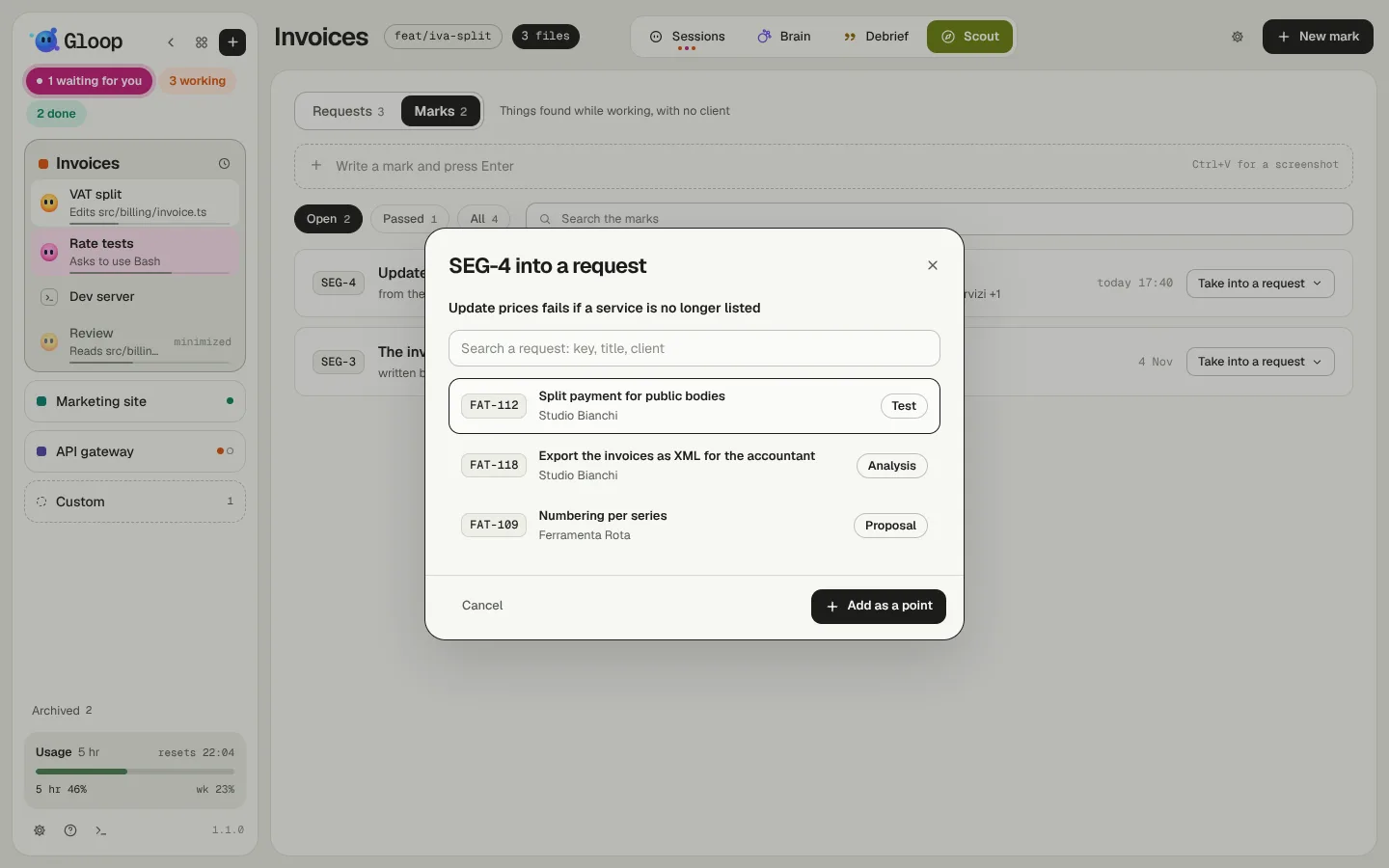
From then on the mark is passed ("Passed into FAT-121", which opens the request on the point), and the request's history says which mark it was born from. If the request is deleted, the mark opens again.