Reference
Data and privacy
What stays on your computer, what goes out and where to, the app's log with its shareable and private parts, and how to send us a report.
What stays on your computer
Everything you do in Gloop lives in the app's data, on your computer:
- workspaces, panes and closed conversations;
- the session panel's memory for each conversation;
- the Brain notes, the Scout requests with their files and documents, the Marks;
- the waiting tally (90 days) and what Gloop has learned about models;
- the coordinator chats and your own recipes;
- the app's log.
Gloop doesn't write in your project's folder, except when you ask: recipes saved "in the repository" go into .gloop/recipes/ (you make the commit), and the agents, of course, change the code you ask them to change. Brain notes live outside the project.
What goes out, and where to
| What | Where to | When |
|---|---|---|
| The agents' work | Anthropic, with your Claude plan | It's Claude Code: as in any terminal. |
| The licence | Gloop's service | At activation, at start and every now and then. Only the key and a random identifier of the computer. |
| Updates | Gloop's service | Every quarter of an hour, to know if there's a new version and to download it. |
| The main branch | Your repository's remote | Every now and then, for the Brain. Turned off in Settings → App → Brain and git. |
| A report | Gloop's service | Only when you write it and send it. |
Your code, your notes and your conversations never go through Gloop's service.
The features that use a small model too (the recap of where you left off, why to look at a file, a note's draft, the Brain's care, the kind of work) go through Claude Code with your plan, like the agents.
The app's log
Gloop writes a log of what happens (start, terminals opened and closed, updates, errors) only on your computer, to find a problem again without having to reproduce it. Every line has two halves:
- one to share: what happened, with numbers and identifiers, never folders, workspace names, prompts or agents' texts. Before being saved it also goes through a filter that removes the home folder, the account name, emails, tokens, keys and addresses;
- one private: the paths and the full error, only in the full log.
In Settings → App → Log you choose for how many days to keep it (3, 7, 14 or 30) and save it to a file: Save to share (the one to send us) or Save full (for you). Log folder opens it.
Sending us a report
A problem, an idea, a question: the fastest way is Discord, where the people who make Gloop answer you and you see what others have already reported. From the app: the palette, "Report", or the button in Settings → App → Log.
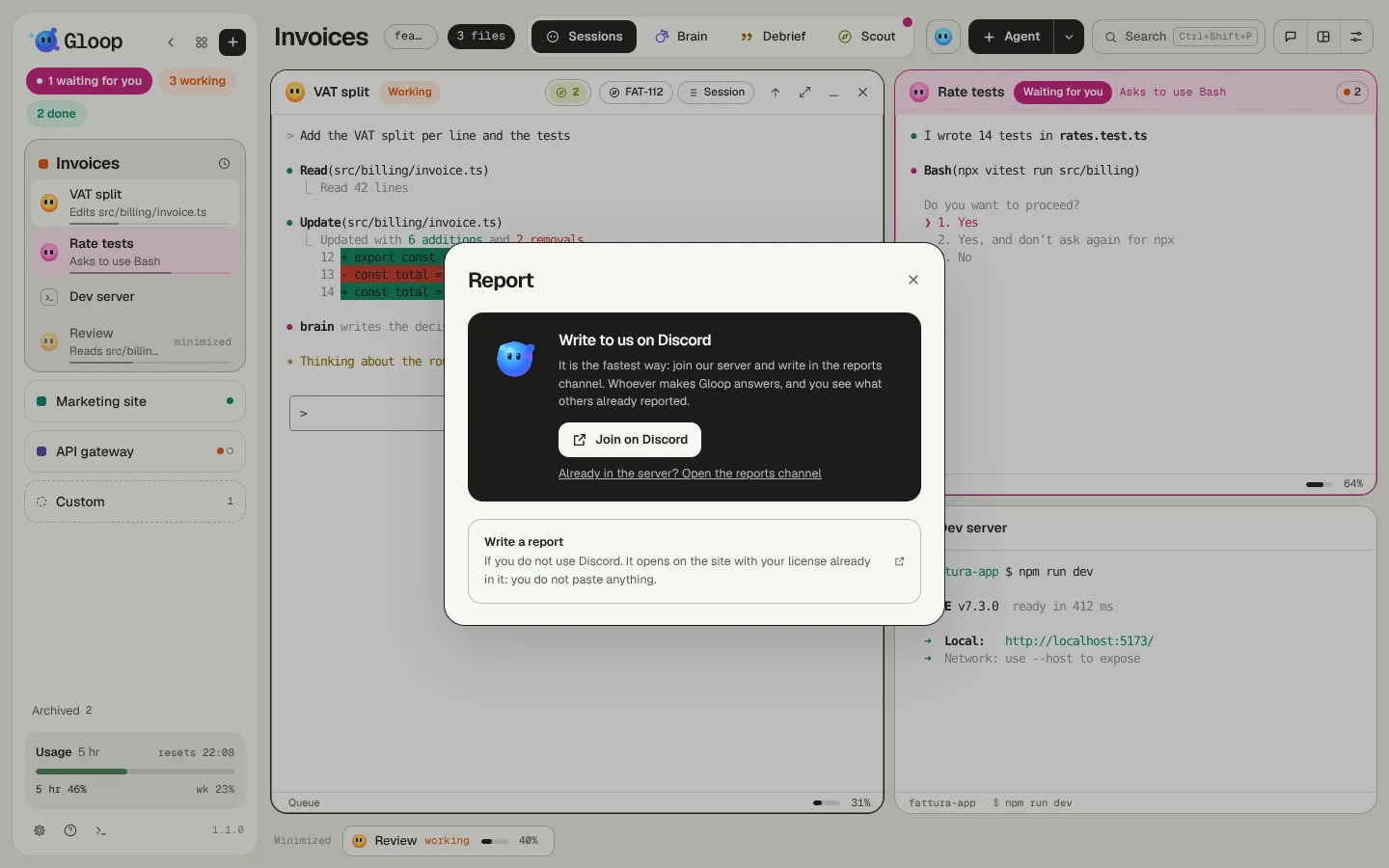
If you don't use Discord, Write a report opens the support page in your browser, with the form already linked to your licence: title, kind, text and up to five files (images, videos, PDFs, text). You don't need to paste anything: the key comes from the app and never goes into the address the browser sends to the server.
What we keep of a report, and for how long, is in the privacy policy.