Memory
The Debrief
The story of the work done on a branch, written for a person: goal, where it stands, what's missing, what to keep an eye on, what was done and how, to save in the Brain.
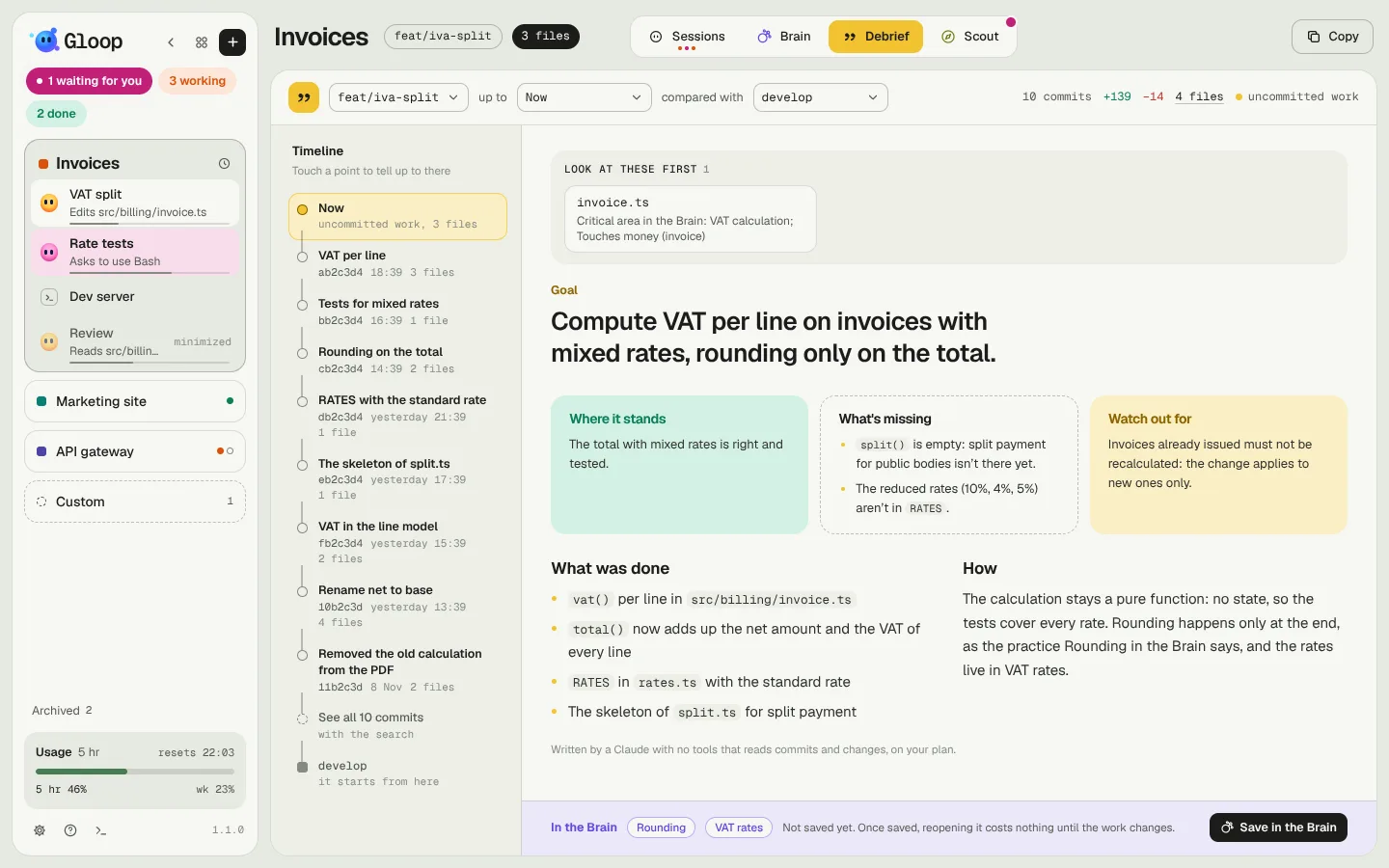
At the end of the day, or before a pull request, you need to know what was done on a branch and how: not the diff, the story. The Debrief writes it for you, reading the commits, the changed files and the work not committed yet, and lays it out as a page to read.
The Debrief tab is there in workspaces that are a git repository.
What it tells
At the top, a bar chooses what to tell:
- the branch (the active one by default);
- up to: Now, including the work not committed yet, or a specific commit;
- compared with: the starting branch (develop, main or master by default), or just the work in progress.
Next to it, the numbers: commits, lines added and removed, files (which open Changes).
On the left the chronicle: the branch's commits, newest first, with message, time and files. A click on a commit tells the story up to there.
The page
The Debrief reads like a page:
- the goal to open with;
- three cards: Where it stands, What's missing, Keep an eye on;
- What was done and How, in two columns;
- at the top the Look at these first strip, with the heaviest files (see Risk review);
- if Gloop answered some agents for you (see Autonomy), the answers given in those two weeks.
Writing it
Write launches a Claude with no tools, which receives commits, files and diffs and writes the story. While it works you see the steps (commits read, changes read, written, titles checked) and the skeleton of the page. It uses your plan.
The Debrief is written in the background: you can go back to the sessions, and when it's ready you're told by a toast, a notification (if Gloop isn't in front), the notch and the yellow mark on the tab and in the column (it breathes while writing, solid when it's ready and you haven't read it yet). Cancel stops it.
Saving it in the Brain
At the bottom, always in view, the In the Brain strip shows the Brain notes the Debrief quotes and Save in the Brain: it writes it as a work note, one per branch and base, so you never make two alike. It's saved only when you ask.
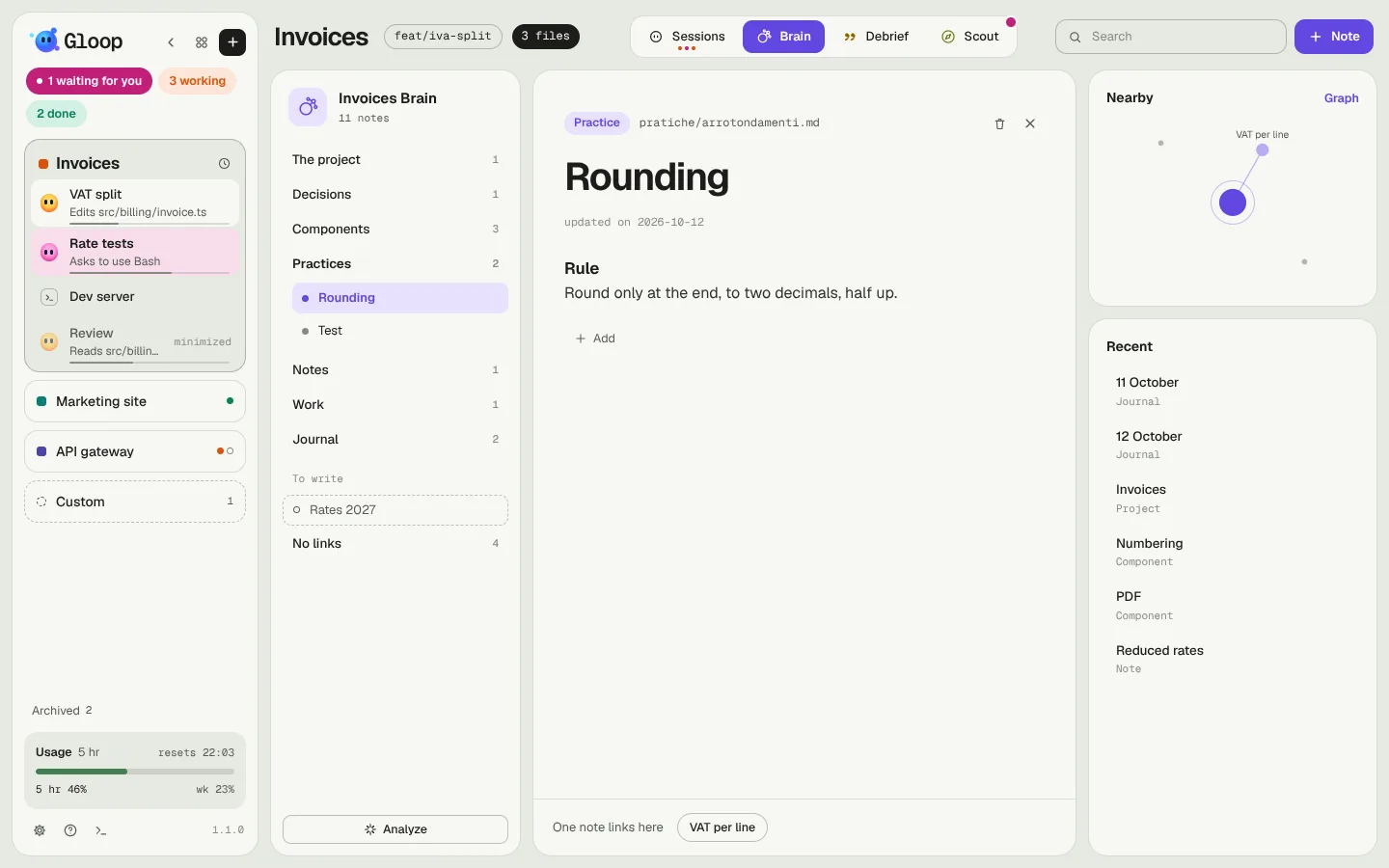
Reopening the Debrief of a branch already saved, Gloop asks git whether anything changed:
- nothing: it shows you the note as it is, without calling Claude and at no cost;
- something: Update gives Claude the note (with your corrections by hand) and only what changed since then.
Copy, in the bar, copies the Debrief to paste into a pull request or a message.